Introducing Loss Radar: see which shift cost you money.Learn more

Automation

Proactive alerts

You get pinged when things go wrong, never when they're fine.

Proactive alerts · Live viewLive

Operating rules

01

Per-store, per-event-type threshold configuration

02

Routing: SMS for urgent, email for daily, push for shift-end

03

Quiet hours; alerts batched outside the owner's window

04

Escalation paths: manager → owner → backup contact

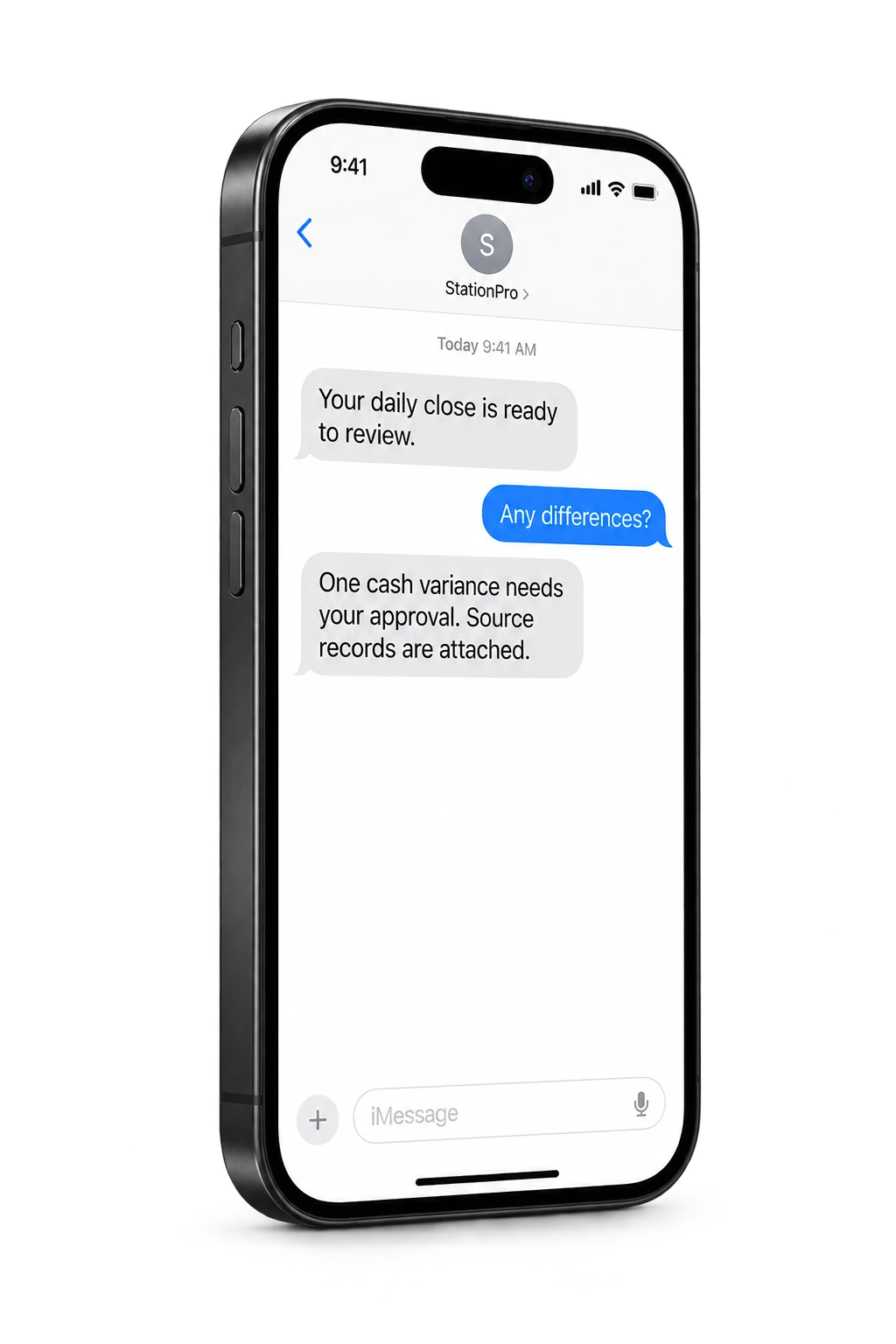
Alerts route variance and threshold events to SMS, email, or push, per store, per event type, per recipient. A void over $50 can text the owner. A missed close at midnight can email the manager and SMS the owner. Fuel margin below 12¢/gal on regular can push to both. Quiet hours, escalation paths, and per-event routing all configurable; no notification noise by default.

Proactive alerts · Operating viewLive

Automation

Proactive alerts

You get pinged when things go wrong, never when they're fine.

01

Per-store, per-event-type threshold configuration

02

Routing: SMS for urgent, email for daily, push for shift-end

03

Quiet hours; alerts batched outside the owner's window

04

Escalation paths: manager → owner → backup contact

Live review

Morning operating brief

Open
CriticalException needs owner reviewNow
ReviewEvidence attached to action4 min
ReadyAudit trail savedDone

Assistant summary

Alerts route variance and threshold events to SMS, email, or push, per store, per event type, per recipient. A void over $50 can text the owner. A missed close at midnight can email the manager and SMS the owner. Fuel margin below 12¢/gal on regular can push to both. Quiet hours, escalation paths, and per-event routing all configurable; no notification noise by default.

Overview

What it does.

Threshold-based and AI-ranked alerts route to text, email, or push. Set a void alert at any dollar amount, a missed-EOD alert at any time of night, a fuel-margin alert at any pump grade. Configurable per store; quiet by default.

  • Per-store, per-event-type threshold configuration
  • Routing: SMS for urgent, email for daily, push for shift-end
  • Quiet hours; alerts batched outside the owner's window
  • Escalation paths: manager → owner → backup contact
  • Snooze and acknowledge from the notification itself

Operator fit

Operators who lean on this most.

Proactive alerts is part of every StationPro deployment. These operator profiles tend to open it daily.

Questions

FAQs

How do I keep alerts from becoming noise?

Two defaults matter: quiet by default (no alert fires until you create one) and escalation (managers handle the first 15 minutes; owners only get pinged if unresolved). Operators typically run with 6 to 10 active alerts after 30 days, focused on the variances they actually want to know about.

Can different stores have different alert thresholds?

Yes. A high-volume urban store and a low-volume rural store will have different "normal," so alerts are per-store. The owner can also set portfolio-level alerts that fire when any store breaches.

What does an SMS alert look like?

A typical alert is three lines: store name, what happened, dollar exposure. Example: "Store #4 · EOD variance $-318 · Tap to open." A link opens the audit row directly. Most owners can triage on their phone in under 30 seconds.

Want to try Proactive alerts on your data?

A 30-minute demo. We'll set up a tenant with this feature wired to your operational shape and walk it live.