Introducing Loss Radar: see which shift cost you money.Learn more

Platform

Multi-store portfolio

One owner pane of glass, with per-store drill-down.

Multi-store portfolio · Live viewLive

Operating rules

01

Per-store data isolation with portfolio-level rollups

02

Role-based access: owner, regional manager, store manager, clerk

03

Mobile-first dashboard; works on a phone during shift breaks

04

No per-store admin overhead; onboard a new store in minutes

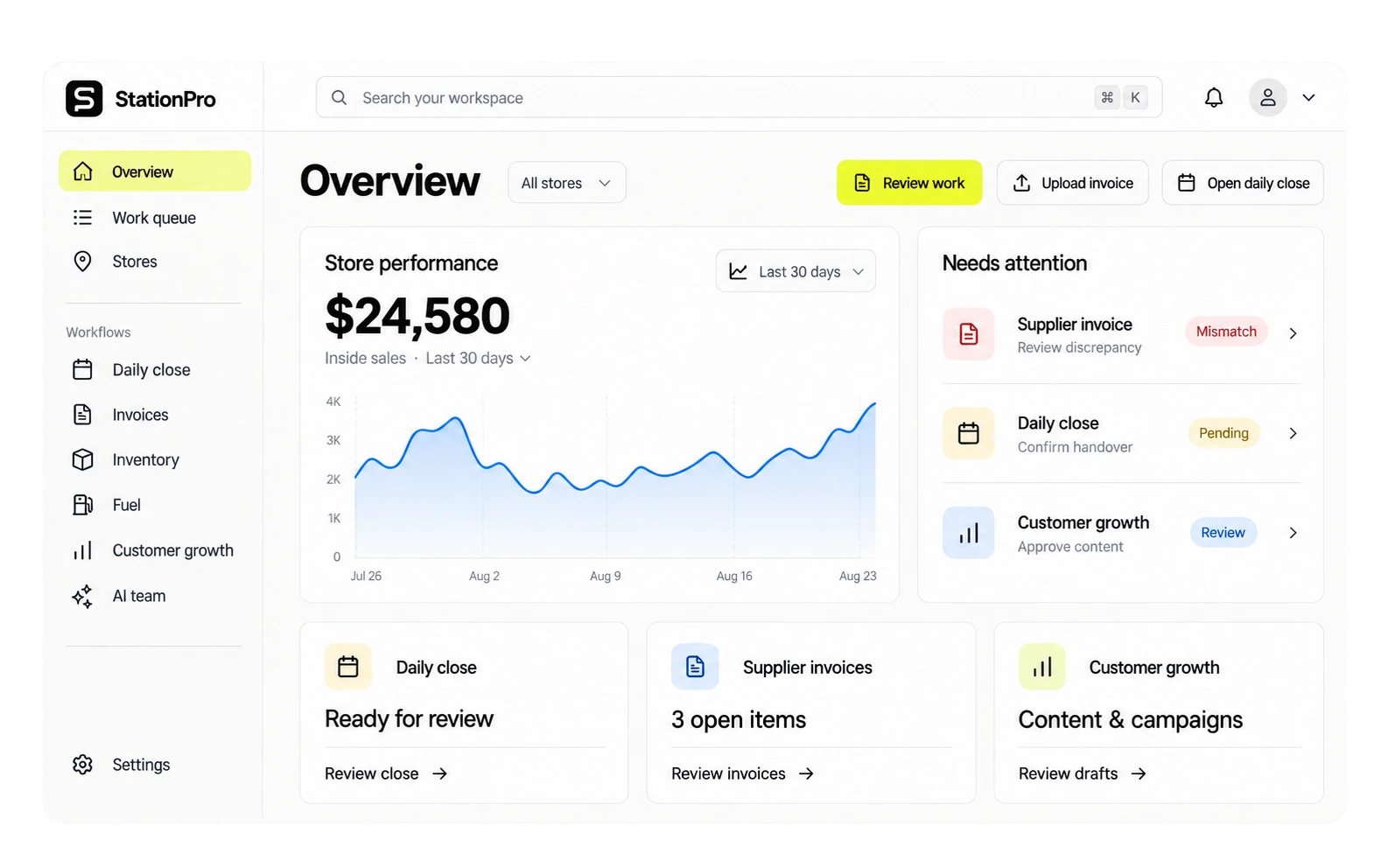
Multi-store rolls up sales, margin, EOD status, cash position, and lottery velocity across every station you own into one owner view, with one-tap drill-down per store. Managers can be scoped to specific stores; owners see everything. Adding the sixteenth store takes the same five minutes as the second. KPIs reflect the last five minutes, not yesterday.

Multi-store portfolio · Operating viewLive

Platform

Multi-store portfolio

One owner pane of glass, with per-store drill-down.

01

Per-store data isolation with portfolio-level rollups

02

Role-based access: owner, regional manager, store manager, clerk

03

Mobile-first dashboard; works on a phone during shift breaks

04

No per-store admin overhead; onboard a new store in minutes

Live review

Morning operating brief

Open
CriticalException needs owner reviewNow
ReviewEvidence attached to action4 min
ReadyAudit trail savedDone

Assistant summary

Multi-store rolls up sales, margin, EOD status, cash position, and lottery velocity across every station you own into one owner view, with one-tap drill-down per store. Managers can be scoped to specific stores; owners see everything. Adding the sixteenth store takes the same five minutes as the second. KPIs reflect the last five minutes, not yesterday.

Overview

What it does.

Roll up KPIs across every station: sales, margin, EOD status, cash on hand, lottery velocity. Drill into a single store with one tap. Managers can be scoped to specific stores. Adding the 16th store takes the same five minutes as the second.

  • Per-store data isolation with portfolio-level rollups
  • Role-based access: owner, regional manager, store manager, clerk
  • Mobile-first dashboard; works on a phone during shift breaks
  • No per-store admin overhead; onboard a new store in minutes
  • Real-time refresh; KPIs reflect the last 5 minutes

Operator fit

Operators who lean on this most.

Multi-store portfolio is part of every StationPro deployment. These operator profiles tend to open it daily.

Questions

FAQs

How many stores can one tenant support?

There's no hard cap. Largest deployment to date is in the 40-store range; the architecture scales linearly. Per-store roll-up rendering stays under 200ms up to a few hundred stores.

Can I limit a regional manager to certain stores?

Yes. Role-based access lets the owner assign a manager to a specific subset of stores. That manager sees portfolio rollups for their scope only and cannot see KPIs, EOD, or alerts from other stores. Bookkeepers and accountants can be similarly scoped.

What happens when I add a new store?

Adding a store takes minutes: name it, set the timezone, set the tax rate, wire the POS feed (if applicable). The portfolio view updates immediately. No "implementation services" engagement; new stores are self-serve from the owner dashboard.

Want to try Multi-store portfolio on your data?

A 30-minute demo. We'll set up a tenant with this feature wired to your operational shape and walk it live.