
Gilbarco Passport
with StationPro.
Pull POS and forecourt activity from Passport-equipped sites.
We’ll confirm the connection path, records and permissions for your setup.
What Gilbarco Passport is.
Gilbarco Passport is a POS platform for convenience and fuel retail. Its configuration, version and approved interface determine the records available to another system.
Records to review for a Gilbarco Passport workflow.
Review the permitted back-office export or integration path with your Gilbarco service provider. Test tender, sales and shift identifiers against an actual close.
Where the wider workflow needs attention.
Separate the POS system of record from follow-up that spans deposits, supplier invoices and store actions. Retain existing processes that already work well.
A useful first workflow to scope.
Propose one close or exception workflow around a validated export. Agree on frequency, error handling and responsibility before scaling the connection.
Current status
We’ll confirm the connection path, records and permissions for your setup.
How Gilbarco Passport onboarding works.
Scoping call
A 30-minute walk-through of your current setup with Gilbarco Passport. We confirm credentials, data shape, and the workflows you need feeding into StationPro.
Connection
Confirm a permitted API, export, file or computer-use path for Gilbarco Passport. Record the required vendor approval and any dependency before committing to timing.
Backfill
Test representative Gilbarco Passport records against their source. Agree on history, freshness, duplicate handling and the fallback if the connection is interrupted.
Go-live
Run the agreed workflow with the responsible store and finance teams. Check the result and support requirements before adding more sites.
Questions about Gilbarco Passport.
Is StationPro a certified Passport partner?
This page does not claim certification. Partner status and permitted interfaces must be confirmed for the proposed connection.
What should I bring to a Gilbarco Passport compatibility review?
Bring the exact product, version, country, desired job and a representative record with sensitive information removed. We confirm the access path, delivery scope and cost before starting.
More pos & forecourt integrations
Verifone Commander
Read sales, tender, and forecourt data from the Commander/Sapphire site controller.
NCR Voyix
Sales and shift data from NCR Voyix POS deployments (formerly Radiant).
Bulloch Technologies
Convenience-store POS used widely across Canadian and US independent stations.
Wayne Fueling Systems
Forecourt controller integration for Wayne dispensers and site systems.
Square
For smaller in-store kiosks and ancillary storefronts that run on Square.
Clover
Pull tender and item-level sales from Clover terminals.
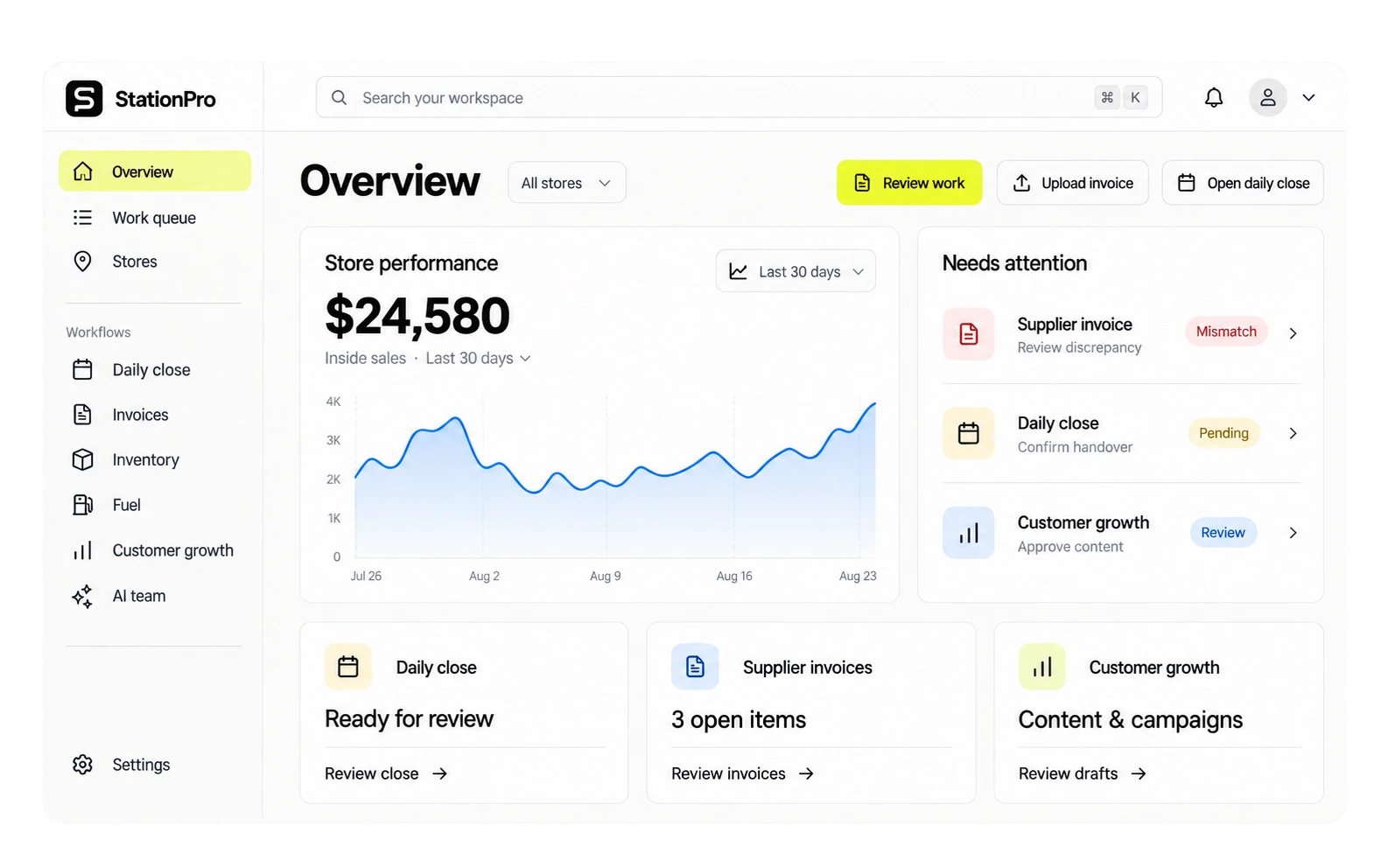
Want to see the Gilbarco Passport integration in action?
On the demo call, we'll show you the connected dashboard with seeded data and walk through the onboarding steps.