
GasBuddy Business
with StationPro.
Crowd-sourced competitor prices and consumer-facing visibility.
We’ll confirm the connection path, records and permissions for your setup.
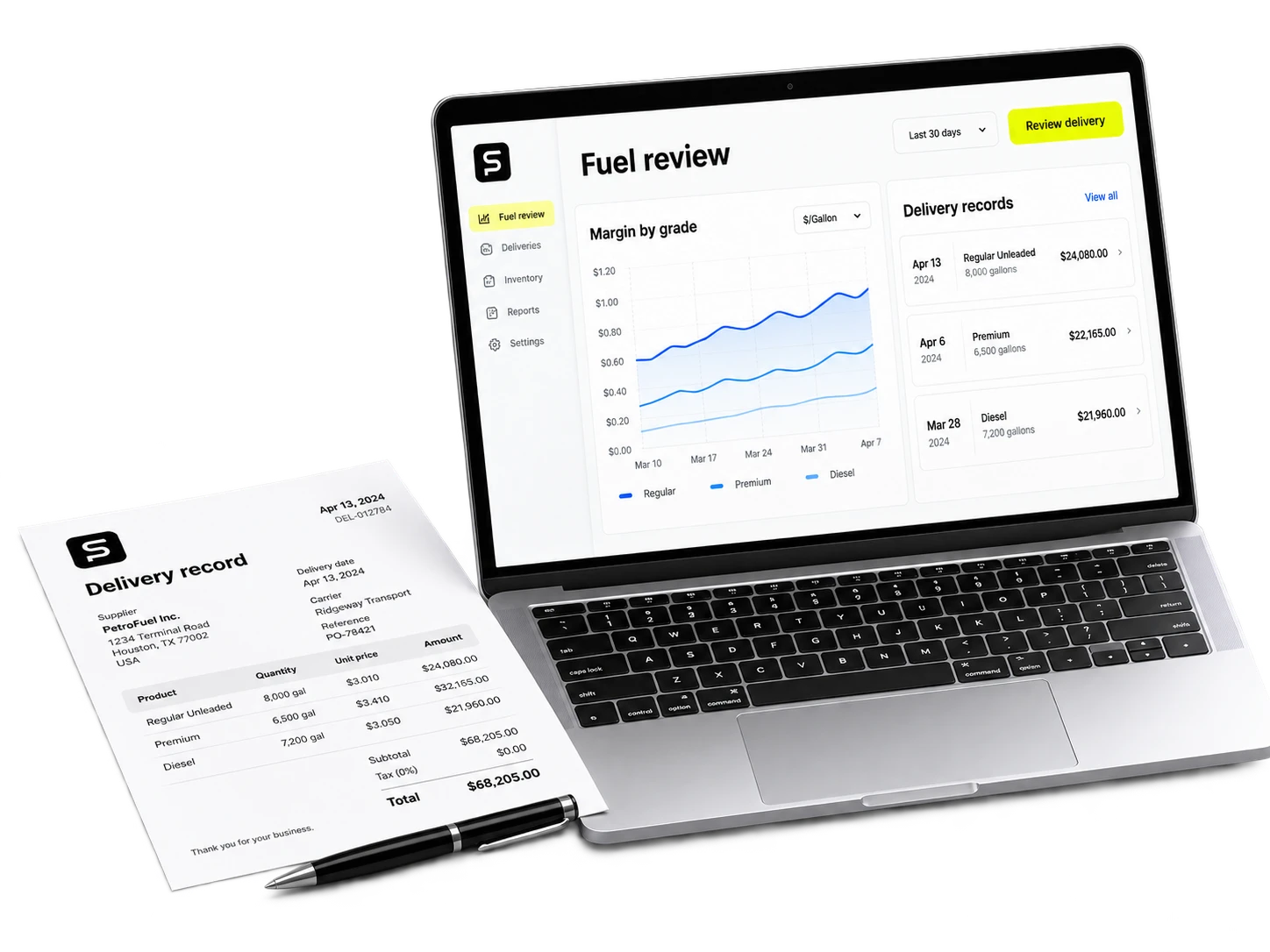
Review pricing with cost and authority in view.
Specify the source, freshness, grades and site identifiers for the pricing job. Price recommendations and authorized price changes require different approval rules.
Current status
We’ll confirm the connection path, records and permissions for your setup.
How GasBuddy Business onboarding works.
Scoping call
A 30-minute walk-through of your current setup with GasBuddy Business. We confirm credentials, data shape, and the workflows you need feeding into StationPro.
Connection
Confirm a permitted API, export, file or computer-use path for GasBuddy Business. Record the required vendor approval and any dependency before committing to timing.
Backfill
Test representative GasBuddy Business records against their source. Agree on history, freshness, duplicate handling and the fallback if the connection is interrupted.
Go-live
Run the agreed workflow with the responsible store and finance teams. Check the result and support requirements before adding more sites.
More fuel pricing integrations
Want to see the GasBuddy Business integration in action?
On the demo call, we'll show you the connected dashboard with seeded data and walk through the onboarding steps.