Introducing Loss Radar: see which shift cost you money.Learn more

AI

AI Assistant

Ask your data anything, in plain English.

AI Assistant · Live viewLive

Operating rules

01

Plain-English questions over your operational data

02

Citations to source rows, no hallucinated answers

03

Saved queries route to email, SMS, or a daily 7:00 AM brief

04

Per-role visibility: managers see their stores only

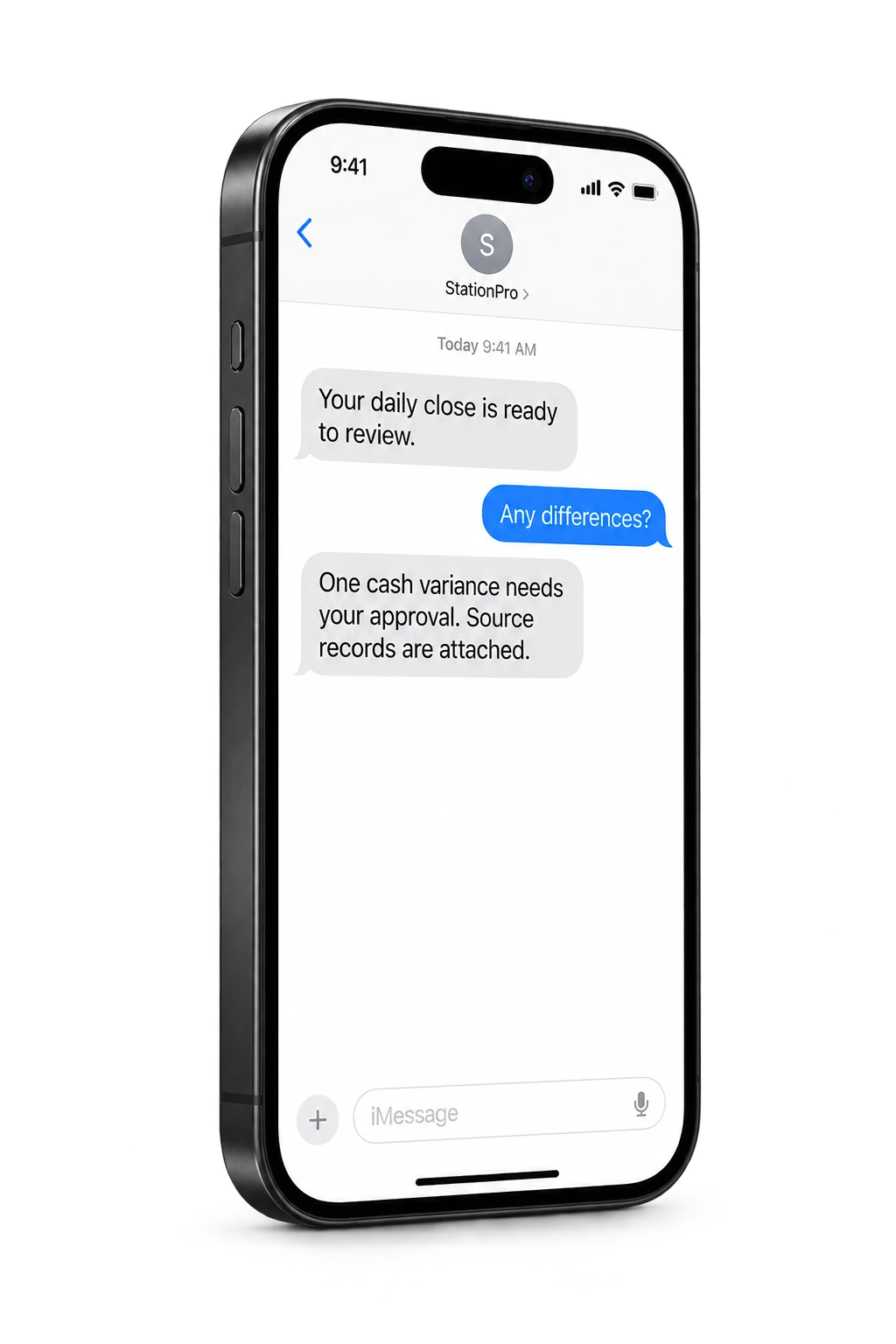
The AI Assistant is a natural-language analyst over your stations' data. Ask "Why was Tuesday short by $42?" or "Which clerk has the highest void rate this month?" and it returns the answer with the underlying SQL and source rows surfaced for verification. Saved questions can route as a 7 AM email, an SMS alert, or a per-store daily brief. Permissions follow the asker. Managers see their stores only.

AI Assistant · Operating viewLive

AI

AI Assistant

Ask your data anything, in plain English.

01

Plain-English questions over your operational data

02

Citations to source rows, no hallucinated answers

03

Saved queries route to email, SMS, or a daily 7:00 AM brief

04

Per-role visibility: managers see their stores only

Live review

Morning operating brief

Open
CriticalException needs owner reviewNow
ReviewEvidence attached to action4 min
ReadyAudit trail savedDone

Assistant summary

The AI Assistant is a natural-language analyst over your stations' data. Ask "Why was Tuesday short by $42?" or "Which clerk has the highest void rate this month?" and it returns the answer with the underlying SQL and source rows surfaced for verification. Saved questions can route as a 7 AM email, an SMS alert, or a per-store daily brief. Permissions follow the asker. Managers see their stores only.

Overview

What it does.

A natural-language analyst trained on your stations' data. "Why was Tuesday short by $42?" "Which clerk has the highest void rate this month?" "How did fuel margin track across all stores last week?" Answered in seconds, with the underlying query and source rows surfaced for verification.

  • Plain-English questions over your operational data
  • Citations to source rows, no hallucinated answers
  • Saved queries route to email, SMS, or a daily 7:00 AM brief
  • Per-role visibility: managers see their stores only
  • Customizable workflows: ask once, alert forever

Operator fit

Operators who lean on this most.

AI Assistant is part of every StationPro deployment. These operator profiles tend to open it daily.

Questions

FAQs

Does the AI make things up?

No. Every answer cites the source rows it pulled from. A click reveals the underlying query and the data. If the system isn't sure, it says so and offers the most-likely interpretation. We do not generate prose from training data; the answer is computed against your tenant.

What's the difference between asking and saving?

Asking gets an answer once. Saving turns the question into a workflow. "Email me every Monday with the worst variance across all stores last week" runs automatically. Most operators save 8 to 12 questions in their first month and stop manually opening dashboards.

Can a manager use it on stores they don't own?

No. The AI inherits the asker's role and permissions. A regional manager scoped to Stores #1 to #4 will see only those stores in any answer; cross-store comparisons return only the stores in scope. Owners see everything.

Is my data used to train models?

No. Your tenant data is not used to train any general model. Queries run against your own data only. Anonymized prompt patterns (the words operators use to ask questions) help us improve the language-understanding layer, but never the financial data itself.

Want to try AI Assistant on your data?

A 30-minute demo. We'll set up a tenant with this feature wired to your operational shape and walk it live.