
QuickBooks Online
with StationPro.
Sync approved invoices and expenses into your books, the SMB standard.
We’ll confirm the connection path, records and permissions for your setup.
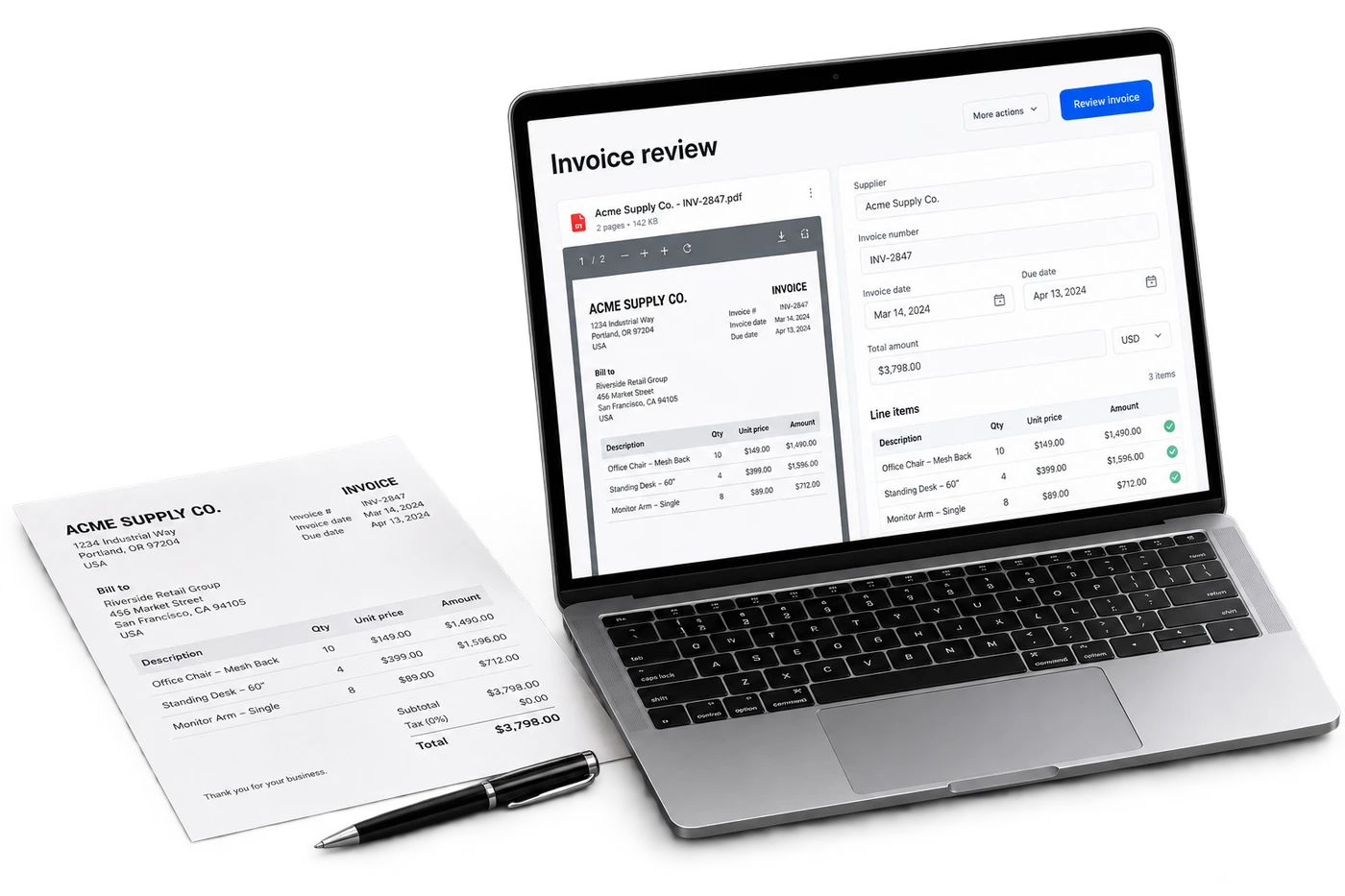
What QuickBooks Online is.
QuickBooks Online is Intuit accounting software. An invoice or close handoff depends on your chart of accounts, tax treatment and bookkeeping workflow.
Records to review for a QuickBooks Online workflow.
Specify whether the job needs vendor bills, expenses or summary journal entries. Confirm account mapping, store tracking, credits, duplicate prevention and reviewer authority.
Where the wider workflow needs attention.
The opportunity is to send the books records that have already been checked. First establish what your accountant wants to review and what the existing process already automates.
A useful first workflow to scope.
Begin with a reviewed accounting handoff. A direct connection, posting direction and permissions require separate validation before being included in the scope.
Current status
We’ll confirm the connection path, records and permissions for your setup.
How QuickBooks Online onboarding works.
Scoping call
A 30-minute walk-through of your current setup with QuickBooks Online. We confirm credentials, data shape, and the workflows you need feeding into StationPro.
Connection
Confirm a permitted API, export, file or computer-use path for QuickBooks Online. Record the required vendor approval and any dependency before committing to timing.
Backfill
Test representative QuickBooks Online records against their source. Agree on history, freshness, duplicate handling and the fallback if the connection is interrupted.
Go-live
Run the agreed workflow with the responsible store and finance teams. Check the result and support requirements before adding more sites.
Questions about QuickBooks Online.
Is this the same as QuickBooks Desktop support?
No. Online and Desktop are different products with different access requirements. State the edition you use when requesting a workflow review.
What should I bring to a QuickBooks Online compatibility review?
Bring the exact product, version, country, desired job and a representative record with sensitive information removed. We confirm the access path, delivery scope and cost before starting.
More accounting integrations
Xero
Two-way bills, payments, and bank-feed sync for Xero customers.
Oracle NetSuite
Enterprise-grade GL posting for multi-entity operators.
Sage Intacct
Push journal entries and dimension-tagged transactions to Sage Intacct.
Zoho Books
Bills, expenses, and 1099 vendor sync for Zoho-based stacks.
Wave
Free accounting for the smallest single-store operators.
FreshBooks
Vendor-bill and expense sync for FreshBooks accounts.
Want to see the QuickBooks Online integration in action?
On the demo call, we'll show you the connected dashboard with seeded data and walk through the onboarding steps.